In this article 12 sections
- Why quotes go quiet, and why chasers annoy
- A four-touch plan keyed to quote events
- When the event doesn't happen
- Touch 1: the arrival check
- Touch 2: one useful thing
- Touch 3: the deadline reality check
- Touch 4: the polite close-out
- The stop rules
- Where AI helps and where a person decides
- The approval check
- A UK note: keep chasers as service messages
- What to do this week
You have a list of open quotes. Some went out last week, some last month, and you can’t say for sure which ones anybody has chased. The follow-ups that do go out often say “just checking in”, which gives a busy buyer no reason to reply.
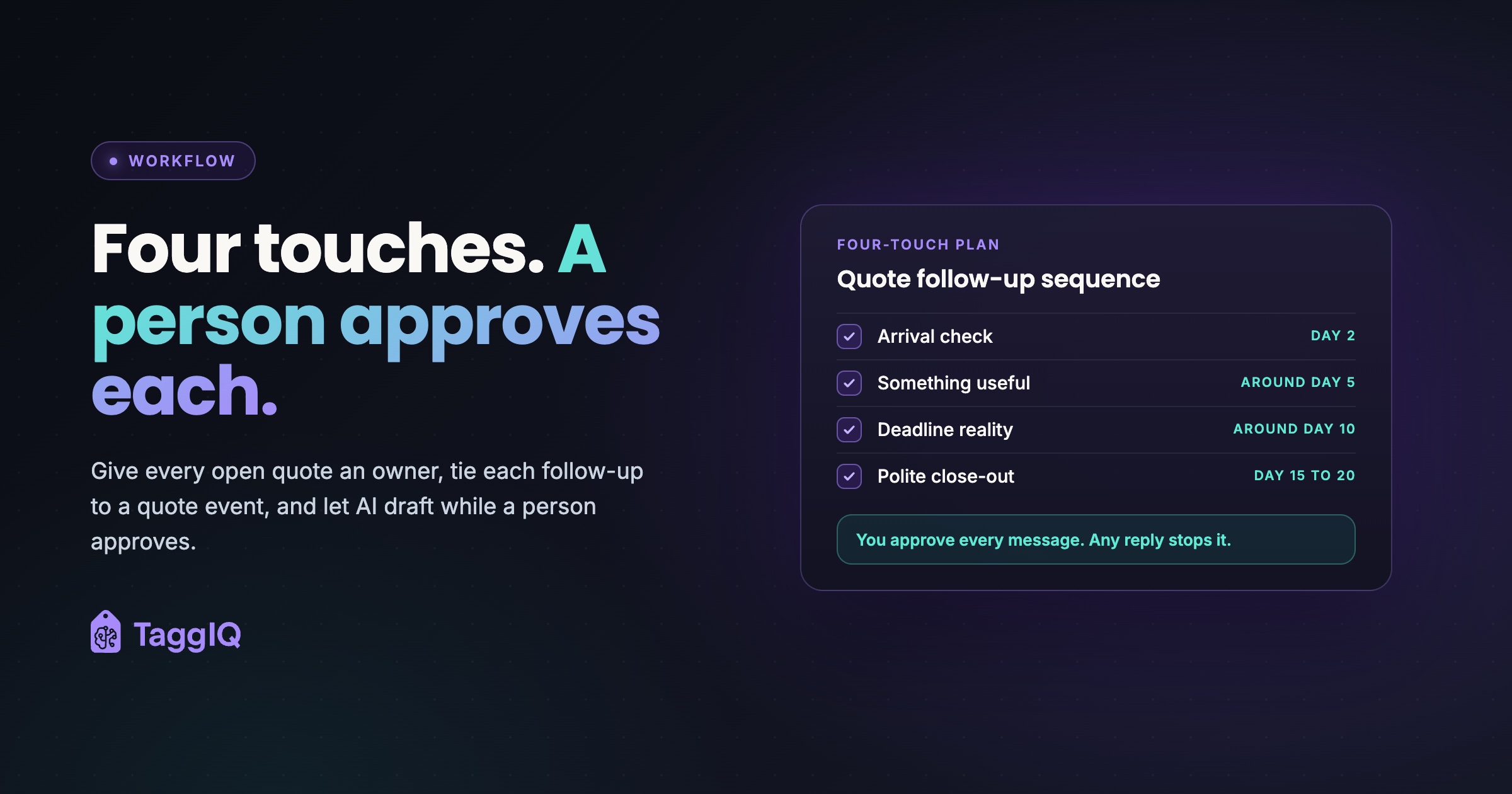
The short answer: give every open quote an owner and a short sequence of four touches. Tie each touch to something that has actually happened on the quote, and set clear rules for when the chasing stops. AI is good at the repetitive part, which is drafting each message from the quote and the email thread. A person approves every message and makes every decision about price.
Why quotes go quiet, and why chasers annoy
A June 2026 trade article in Wide-Format Impressions, republished from Printing Impressions, gives the ordinary reasons. Print buyers often compare several printers, and they go quiet because of budget limits, shifting priorities, slow internal approvals and poor timing. Silence is often a delay, not a decision.
The causes inside the shop are just as ordinary. Follow-up tends to be informal: whoever sent the quote chases it when they remember. That leads to four habits that make chasers feel like pressure:
- No owner. Nobody is clearly responsible for the quote, so it goes silent by default.
- Uneven timing. One customer gets three reminders in a week and another gets none.
- Empty nudges. “Any update?” adds nothing and gives the customer no new reason to answer.
- Chasing after the answer is in. The customer said yes on the phone, or ordered elsewhere, but nobody updated the quote’s status.
A good sequence fixes all four. It has a named owner, a steady rhythm, something useful in every message and a firm off switch.

A four-touch plan keyed to quote events
The same trade article suggests confirming receipt on day 1, checking for questions around days 3 to 5 and offering guidance around days 7 to 10. The plan below has a similar shape, but each touch is tied to an event on the quote and not only to the calendar.
For decorated goods, the calendar isn’t the real deadline. The real deadline is the customer’s in-hands date, once you work back through production and decoration lead times. The day counts in this table are illustrative. Change them to fit your own lead times and customers.
| Touch | Event that triggers it | Illustrative timing | What it adds |
|---|---|---|---|
| 1. Arrival check | Quote sent, no reply yet | Day 2 | Confirms the quote arrived and offers to answer questions |
| 2. Something useful | A proof, mock-up or alternative is ready | Around day 5 | A proof, a fabric or substrate note, or a cheaper option |
| 3. Deadline reality | The order-by date for the in-hands date is getting close | Around day 10 | The last date to approve and still make the event |
| 4. Close-out | No reply after touch 3 | Day 15 to 20 | Asks whether to keep the quote open or close it |
When the event doesn’t happen
Many quotes have no proof to send, and many have no event date at all. The event decides what a touch says; the rhythm still holds. Use this rule:
- No proof or alternative ready by around day 5: send a short question-led touch instead (artwork format, the size split, or whether a different quantity would suit), or skip straight to touch 3.
- No in-hands date on the quote: touch 3 asks whether there is a date they’re working to.
- Order-by date still weeks away: touch 3 waits until it is close, and the quote stays open with its named owner in the meantime.
Touch 1: the arrival check
Keep it short. Send it as a reply in the original email thread, from the person who quoted, so the customer has the context. For example: “Hi Sarah, just making sure the quote for the embroidered polos reached you. Happy to talk through logo placement or sizing if that would help.”
Touch 2: one useful thing
This is the touch that turns a reminder into service. Experienced sales staff make each follow-up answer a likely question.
For a workwear order, that could be a mock-up of the logo on the chosen garment colour. For a sign job, it could be a note on which substrate suits an outdoor fixing. For promo items, it could be a lower-cost alternative that keeps the same decoration. If the proof is waiting on the customer’s artwork, that is its own problem, and artwork approvals over email covers why it stalls.
Touch 3: the deadline reality check
For event-dated work such as uniforms for a new starter intake, merchandise for a conference or signage for a shop opening, chase against the in-hands date. Work back from the date through your production and decoration lead times, and give the customer the last day you can accept approval. For example: “To have these with you for [event date], we would need approval by [order-by date].”
This isn’t pressure. It’s information the customer needs and probably hasn’t worked out for themselves.
Touch 4: the polite close-out
End the sequence on purpose: “Shall I keep this quote open for you, or close it for now? Either is completely fine.” This makes “no” easy to say, and a clear no is worth more to your pipeline than an open quote nobody will ever approve. After this touch, the quote goes back to its owner, who marks it won, lost or parked, with a reason.
The stop rules
A sequence without stop rules is how follow-up turns into spam. Write these down before anything is drafted or sent:
- Any reply from the customer, by any channel. Email, phone or a word at the counter all count. The thread goes back to the quote owner.
- The quote is accepted, declined, expired or converted to an order.
- The customer asks not to be chased.
- Something has changed since quoting, such as a supplier price, stock level or lead time. Pause until a person has checked whether the quote still stands.
- The event date has passed, or is now inside your minimum production lead time. Any next message about rush options is a person’s call.
- The last touch has gone out. The quote is closed or parked, not left open forever.
Rule 1 only works if phone calls get logged against the quote. A typical embarrassing chaser goes to a customer who said yes on the phone two days earlier.
Where AI helps and where a person decides
The useful split is simple: AI does the typing and the spotting, and a person does the judging. This is the kind of bounded, repetitive task where an AI assistant genuinely earns its place.
| Task | AI drafts or spots | A person decides |
|---|---|---|
| Writing the follow-up | Drafts from the quote, thread and past orders | Approves, edits or deletes it |
| Timing | Flags quotes that are due a touch | Can delay or skip a touch |
| Changes since quoting | Flags price, stock or lead-time changes | Decides whether to requote |
| Prices and discounts | Never touches them | Always |
| Lead-time promises | Restates the dates on the quote | Checks them against the current schedule |
| Closing the quote | Drafts the close-out and reports quotes still open | Marks it won, lost or parked |
Keeping prices with a person protects margin: a discount added to a chaser can erode it quietly, one job at a time. Keeping dates with a person protects the relationship, because in uniform, workwear and promo reorders one wrong date or one chaser to someone who already said no can cost more than the quote was worth.
The approval check
Before approving a draft, the reviewer checks five things:
- Right customer, right quote, right thread.
- No price, discount or date that differs from the quote or from what is true today.
- The message adds something and isn’t a bare nudge.
- Nothing promotional has slipped in.
- No stop rule has fired, such as a phone call or a status change.
Worked example
Say one salesperson has 40 open quotes. With four touches each, that is up to 160 follow-ups over a few weeks. If a good follow-up takes about four minutes to write from scratch, 160 of them take 640 minutes, or about 10 hours 40 minutes. If checking an AI draft takes about 45 seconds, the same 160 messages take 120 minutes, or 2 hours. Both totals are maximums: every reply, acceptance or decline stops a sequence early, so the real totals would be lower on both sides. The figures are illustrative, not measured.
The time saved matters, but consistency matters more. Every silent quote has already used up time on pricing, artwork checks and supplier lookups, and steady follow-up gives that work a fair chance of turning into an order. Clear outcomes also mean your pipeline shows real demand when you plan capacity. Speed at the start matters too: see why your quoting process may be losing you customers.
A UK note: keep chasers as service messages
This is general guidance, not legal advice, so check your own obligations.
A November 2022 commentary by the law firm Hogan Lovells on the ICO’s direct marketing guidance says that emails sent for administrative or customer service purposes count as “service messages” and are not direct marketing. It also says that if a service message contains a promotional element, the whole message counts as direct marketing. The practical habit is to keep each chaser about the quote the customer asked for. If you want to suggest other products, make that a separate decision.
The ICO’s business-to-business marketing guidance separates two types of customer:
- Corporate subscribers (limited companies, LLPs, Scottish partnerships and some government bodies). The PECR rule on marketing by email does not apply to them, but you must not hide who you are and must give a valid address for opting out. The ICO recommends honouring their opt-out requests.
- Sole traders and some partnerships. The ICO treats them as individual subscribers. They can only be sent electronic marketing with specific consent or under the “soft opt-in”, and their opt-outs are binding. If you’re unsure which type a customer is, the ICO advises treating them as an individual.
The ICO says this guidance is under review, and its guide to PECR points to changes made by the Data (Use and Access) Act, so check the current version. Whatever the customer type, treat “please stop” as a stop rule.
What to do this week
- List every open quote and give each one a named owner.
- Add the in-hands date and current status to each, and close the ones you already know are dead.
- Write your four touch templates and your stop rules on a single page.
- Try AI drafting on ten quotes using the approach below, approve every message by hand, and note what you change. Your edits show you what to tighten in the templates.
How to try AI drafting on Monday
For each quote, give the assistant four things: the quote lines (products, quantities, decoration), the in-hands date if there is one, the last message in the email thread, and which touch this is. You can usually leave prices out, because a good chaser rarely needs them.
Then ask something like: “Draft a short reply to this thread from me to the customer. This is touch 2 of 4. Add one useful point, such as a sizing, artwork or substrate question. Do not mention price changes, discounts or new lead times. Keep it under 80 words and end with an easy question.”
Use an AI tool through a business account your company has approved, not a personal one. Strip out anything the draft doesn’t need, such as personal phone numbers or unrelated order history, and check your own data protection obligations before pasting customer details into any tool.
TaggIQ has published a proposed design for a Quote Agent that follows this pattern. It is a proposed build, not a packaged feature you can switch on today. As designed, it would pick up open quotes with no reply after a number of days agreed at setup and draft a short follow-up from the quote, thread and past orders, for a person to approve before it is sent. It would never change a price, would stop on any reply and hand the thread to the quote owner, and would send from your own Gmail or Outlook address in the same thread.
Read the Quote Agent plan See how TaggIQ's proposed Quote Agent would draft quote follow-ups for a person to approve.
Frequently asked questions
The customer replied "not yet, maybe next month". What happens to the sequence?
That counts as a reply, so the automated sequence stops. The quote owner sets a new date tied to the customer's own timeline and decides then whether a fresh, short sequence makes sense. Check prices and stock again before anything goes out, because supplier figures may have changed in the meantime.
Can I let AI send routine follow-ups without anyone checking?
Start with a person approving every message until you've seen enough drafts to trust the templates and the stop rules. Even then, anything involving a price, a discount or a lead-time promise should stay with a person, because those are the mistakes that cost margin and repeat customers.
Are four touches too many for a small repeat customer?
Not if each one adds something and the last one makes it easy to say no. For a regular who usually replies quickly, you might drop touch 2 or touch 3. What matters is that every quote has an owner and an end date, not the exact number of touches.

Emma
Emma writes for TaggIQ about practical AI and automation for print, promo, sign and embroidery businesses: AI assistants and agents, quoting and follow-up workflows, customer experience and keeping people in charge of the decisions that matter.