In this article 7 sections
Your customers are happy. They say so on the phone, they reorder, and they tell you the hoodies looked great at the fundraiser. Your review profile hasn’t moved in months, though, and you can’t remember the last time anyone said “a friend told me to call you.”
The short answer: the problem is timing, not your customers. Ask for the review a few days after the order arrives, ask for the referral once the goods have been used, make each one click, and send them separately. Below: a timing map, a decision rule and three templates.
Why happy customers stay silent
A satisfied customer has nothing left to do. The order arrived, the problem is solved, and their attention has moved on. If you’re waiting for them to find your profile, choose a star rating and write a paragraph without being asked, you’re relying on a habit they don’t have.
Three asking mistakes make it worse:
- Asking at invoice time. The customer hasn’t opened the box yet, so you’re asking them to rate something they haven’t seen.
- One generic message. “We’d love your feedback” doesn’t remind anyone which job you mean, or why it went well.
- A cluttered double ask. If one email asks for a review, a referral and a reorder, the customer ends up doing none of them.
Map the asks to the job’s milestones
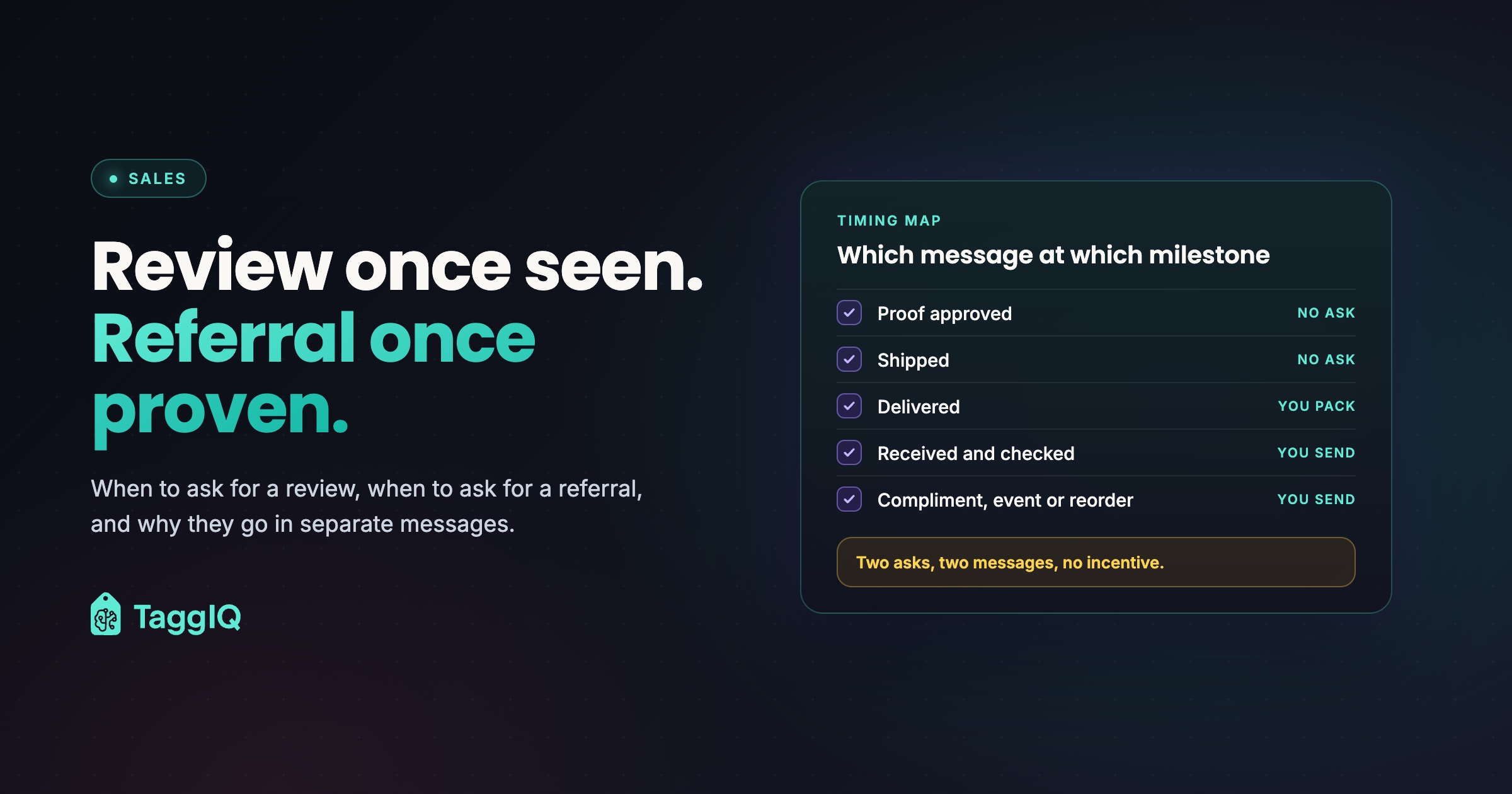
Every decorated-goods job passes through the same stages: proof approved, shipped, delivered, used, and reorder due. Each one is a natural point to get in touch. Only some of them are the right point to ask for something.
| Milestone | What the customer knows | What to send |
|---|---|---|
| Proof approved | What it will look like | Nothing extra. A thank-you and expected dates |
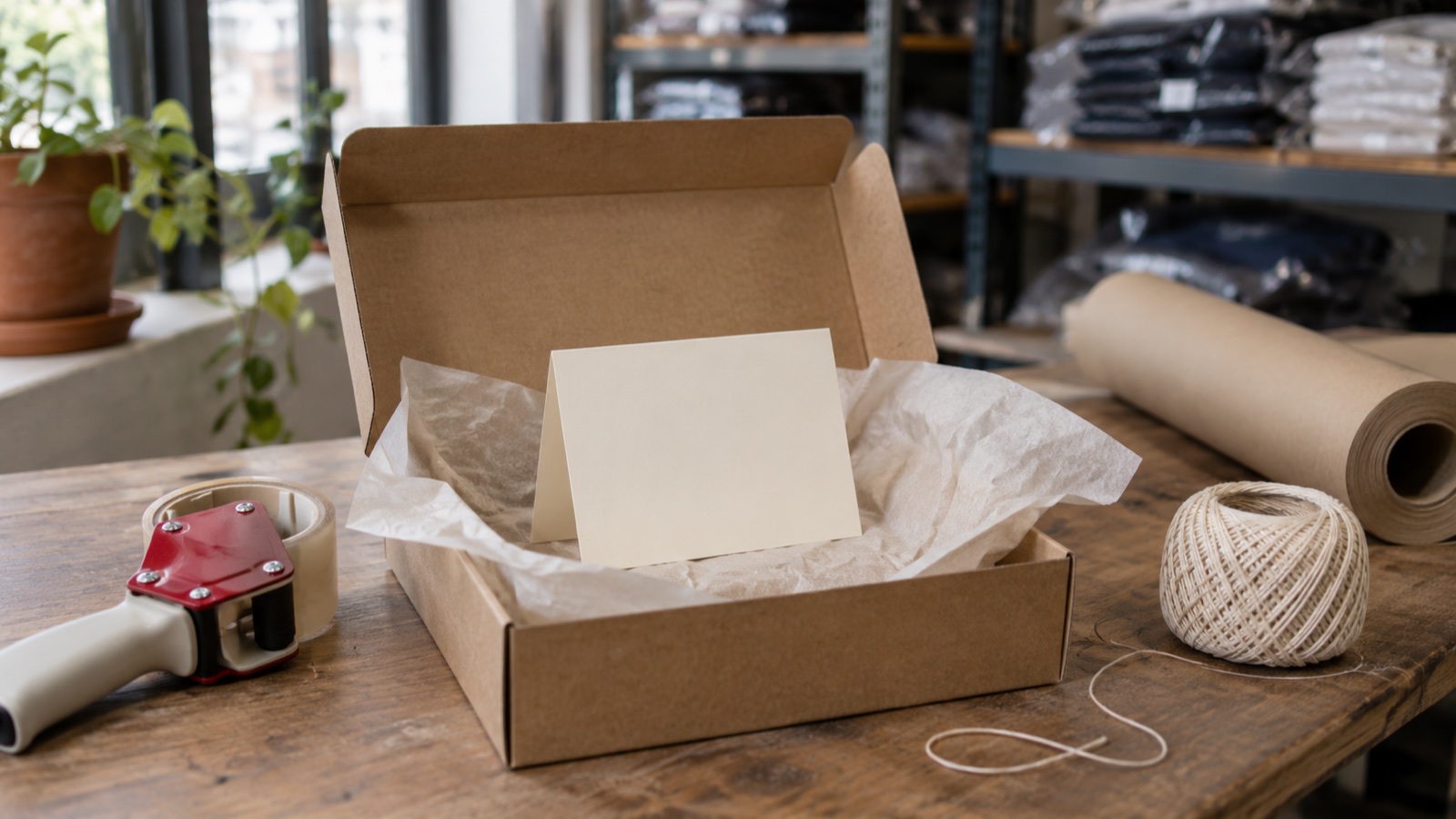
| Shipped or ready for pickup | It’s on the way | Tracking only, plus a printed thank-you card packed in the box |
| Delivered or collected | It arrived | Nothing new. The card is read as they open the box |
| Received and checked (a few days later) | Whether it’s right | The review request, with a direct link |
| Used at the event, or a compliment comes in | That it worked | The referral ask |
| Reorder due | That they want more | A reorder note, with an optional referral line |
The rule behind the table is simple. Ask for a review once they’ve seen the goods. Ask for a referral once they’ve seen the result. A review is about the job. A referral is about the outcome, like a team that looked sharp or a booth that drew people in, and that outcome only shows up after the goods have been used. Send the referral ask to whoever reported the compliment, even if they are not the buyer.
If you already send status updates (the customer update rhythm covers this), the review request is just one more message in a sequence your customers already expect.
Worked example
A local landscaping company orders 50 embroidered polos with its logo on the left chest. They’re delivered on a Tuesday, and the box includes a printed card: “Thanks for trusting us with your team’s polos. We hope they wear well.” On Friday, three days later, the owner gets a short email that names the polos and includes one review link. Two weeks after that, the office manager emails to say the crew got compliments at a trade show, and that’s when the referral ask goes out to the office manager, in its own message. The timing is illustrative; the order is what matters.
Ask everyone, offer nothing, gate nothing
This is where a well-meant routine can go wrong, so keep the process simple and clean.
Send the review request to every customer whose job completed. Don’t filter the list by who you think will be pleased.
Don’t offer anything in return. That means no discount on the next order, no free item and no prize draw. Google’s Maps user-generated content policy does not allow merchants to offer incentives for reviews, and it also bars selectively soliciting positive reviews. Check the current policy for each platform where you collect reviews, and check your own obligations with an adviser.
Skip the “rate us 1 to 5” gate. Some tools send a private rating first and only pass the happy scores on to the public site. Send everyone the same direct link instead. If a customer replies with a problem, fix it and keep that conversation separate from the review request.
Here’s a practical test for every message you send: could you show it to any customer, happy or not? If it would read the same to all of them, it passes the selective-asking check.
Make it one click and name the job
Every extra step is a chance for a busy buyer to give up. Before you send your first request, set up these three things:
- A direct review link. Copy the link from your business profile that opens the review box itself, and save it where every staff member can find it.
- A job reference. Pull the product, quantity and event from the order so the message says “the 50 polos” and not “your recent order.”
- A named sender. Send it from the person the customer dealt with, not a no-reply address.
That job reference is where shops tend to struggle. If the details of the order are spread across email threads, a quote file and someone’s memory, writing a personal line takes longer than it should. This is the customer context problem in miniature, and fixing it makes every follow-up easier.
Three templates you can adapt
Use these as starting points and rewrite them in your own voice. They’re examples, not legal advice. Have an adviser review your final wording and process before you use them.
Template 1: The delivery card (printed, in the box)
Thank you, [Customer name]. We hope the [job, e.g. team polos] look as good on your team as they did coming off the machine. If anything isn’t right, call [your name] at [phone] and we’ll make it right.
[Your shop name]
Template 2: The review request (email, a few days after delivery)
Subject: Your [job] from [Your shop name]
Hi [Customer name],
Your [quantity] [job] should have been with you for a few days now. We hope they’re working well for [event or purpose].
If you have a minute, we’d appreciate an honest review of how the job went. It helps nearby businesses decide whether to work with us. Here’s the direct link: [review link]
And if anything isn’t right, just reply to this email and we’ll take care of it.
Thanks, [Your name]
Template 3: The referral ask (after a compliment, an event, or at reorder)
Subject: Glad the [job] went down well
Hi [Customer name],
Thanks for letting us know about [the compliment or event]. That’s great to hear.
If you know another [business type, team or organizer] who needs [product type], we’d be glad to help them the same way. Feel free to pass on our details or reply with an introduction: [your name], [email], [phone].
Either way, thanks for working with us. [Your name]
Notice what the templates leave out. None of them offers a reward, none mentions star ratings, and none puts the review ask and the referral ask in the same message. Each has one link or one request.
Follow up once, then stop
If the review request gets no response, send one short reminder about a week later and then let it go. The reminder can be a single line: “Just resurfacing this in case it got buried. Here’s the link again for the [quantity] [job]: [review link].” Treat the referral ask the same way, as a single follow-up at most.
Build the routine in under an hour
Here’s a one-off setup that turns this from a good intention into a habit:
- Save your direct review link and the three templates somewhere shared.
- Print a batch of delivery cards with blanks for the customer’s name and the job.
- Add a “review request” step to your job close-out, so it happens once the order shows delivered.
- Add a “referral” note to any job where the customer sends a compliment, and check those notes weekly.
- When reorders come due, include the referral line. Spotting reorder opportunities in your order history shows how to find those dates.
Worked example
Say you complete 15 jobs a week. If filling the job name and link into Template 2 takes about two minutes per job, that’s roughly 30 minutes a week. The weekly referral check, for the handful of jobs with a compliment note, might take another 10 minutes. Treat both numbers as estimates and time your own first week.
Drafting is the slow part, and it’s where software can help without taking over. TaggIQ’s AI Co-Worker drafts customer follow-up messages in your tone, and nothing goes out until you approve it. It can also see order status across connected orders and production stages. You still decide who gets asked and when, and you apply the same rule to everyone.
See the AI Co-Worker See how the AI Co-Worker drafts follow-up messages in your tone and waits for your approval before anything is sent.
Frequently asked questions
Should I ask for the review in person when the customer collects their order?
Hand over the printed card and let them review later in their own time. Google's Maps content policy, linked above, bars pressuring customers while they're on the premises, so a card with a link is the safer route.
What if a customer replies to the review request with a complaint?
Treat it as a service issue first. Reply, fix the problem, and don't make any fix depend on a review or on changing one.
Can I thank customers who refer someone to us?
Yes. A handwritten note or a quick call naming the person they sent your way is a reward-free thank-you. Keep any referral thank-you separate from reviews, and check Google's policy linked above with an adviser before you offer anything more.
Do I need software to do this?
No. A saved link, three templates and a step in your job close-out will get you started.

Emma
Emma writes for TaggIQ about practical AI and automation for print, promo, sign and embroidery businesses: AI assistants and agents, quoting and follow-up workflows, customer experience and keeping people in charge of the decisions that matter.