In this article 10 sections
- The decision rule: four questions, three modes
- The pipeline map, from inquiry to reorder
- Why the first reply is split in two
- What a good quote follow-up carries
- Reorder prompts follow the customer's calendar
- The handoff triggers that bring a person in
- What the split is worth in rep hours
- Where AI agents fit: groundwork, then a handshake
- A weekly audit that keeps automation honest
- Your next step this week
You run a small sales team: two reps, say, plus an owner who still answers a share of the inquiries. Perhaps you tried automation and it either did nothing useful or sent a “just checking in” email to a customer who had approved their proof the day before. So every reminder went back to being typed by hand, and follow-ups slip whenever production gets busy.
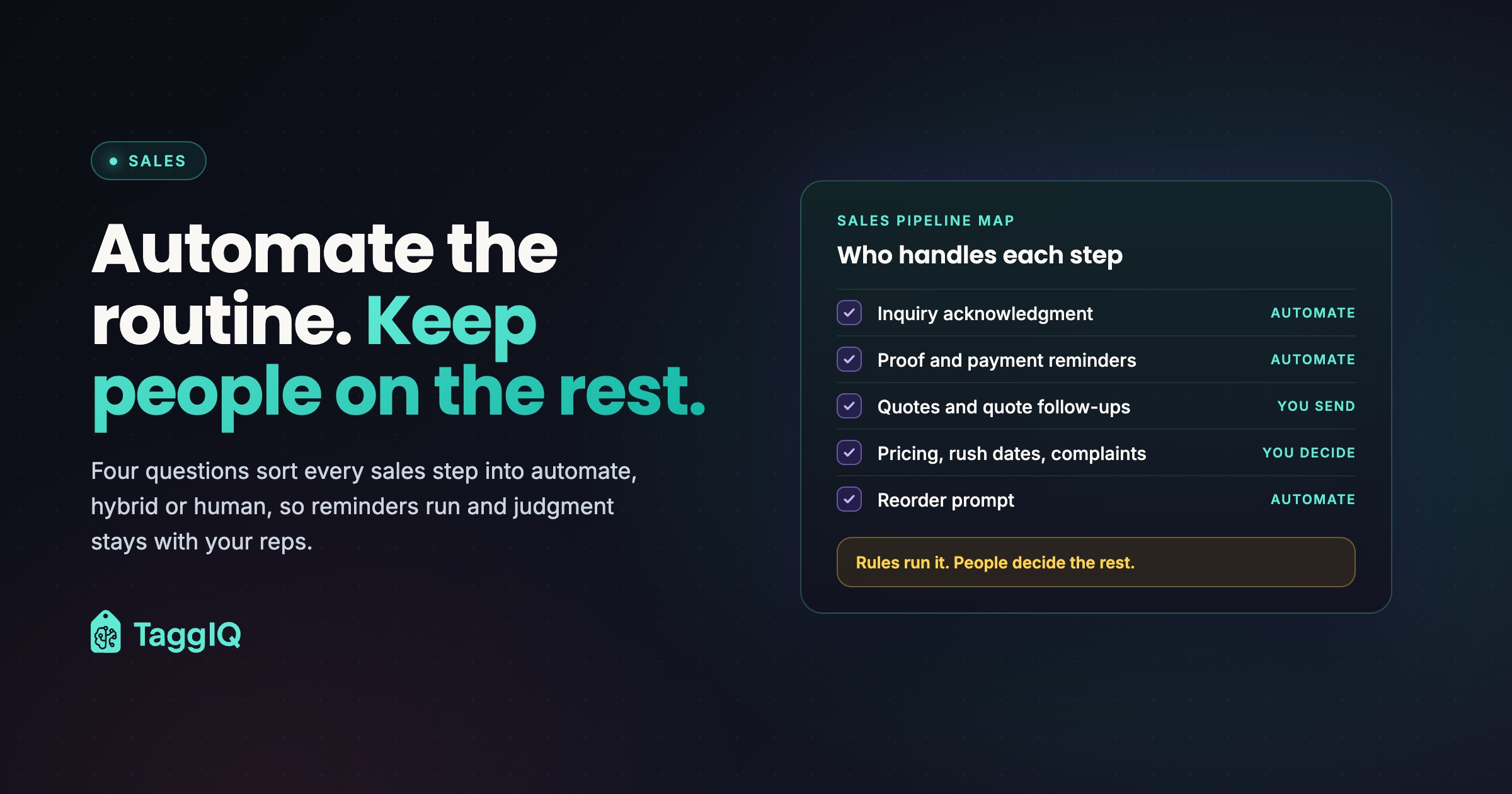
The answer is a split. Automate the steps that are rule-based, reversible and low-stakes. Keep people on anything involving judgment, money exceptions, emotion or artwork risk. For the steps in between, let the system prepare the message so a rep only has to check it and send it.
The decision rule: four questions, three modes
For each step in your sales process, ask four questions. Does it run the same way every time for a given order status? If it goes wrong, can a quick message put it right? Is the cost of a mistake small? Does it stay clear of pricing decisions, artwork judgment and upset customers?
Four yeses mean automate, once you filter out the customers it should skip. Any no means a person decides, so ask one more question: can the system draft the message or gather what that person needs? If so, the step is hybrid: the machine prepares, the human checks and sends. If the step is a live conversation, such as advice, negotiation or a complaint, it stays human.
| Mode | Use it when | Print shop examples |
|---|---|---|
| Automate | All four answers are yes | Inquiry acknowledgments, proof reminders, deposit requests, shipping notices |
| Hybrid | A person decides, but the system can prepare | Quotes, quote follow-ups, post-delivery check-ins |
| Human | It is a live conversation that needs judgment | Product advice, decoration fit, rush dates, pricing exceptions, complaints, misprints |
The test cuts both ways. Template the thank-you notes and apologies while reps hand-type payment chasers, and the personal moments start to sound like a machine. Insist that every step stays personal, and a small team spends its best selling hours on admin. The Human column is also where a decoration business defends its margin. Automate it and you invite customers to compare you on price alone.

The pipeline map, from inquiry to reorder
| Stage | Mode | What the system does | What a person does |
|---|---|---|---|
| Inquiry received | Automate | Logs the lead, assigns an owner, acknowledges it and asks for any missing logo file, quantities or in-hands date | Logs phone and walk-in inquiries by hand, with no automated acknowledgment |
| First real reply | Human | Alerts the lead’s owner, then the shop owner if the reply misses its due time | Replies personally, by phone or email |
| Discovery | Human | Lists the details still missing | Recommends the product and matches the decoration method to the artwork and budget |
| Quote | Hybrid | Pulls the customer’s history and prepares the quote | Confirms pricing, stock and artwork, then sends |
| Quote follow-up | Hybrid | Schedules each follow-up, drafts it and stops when anyone at the account replies | Adds something useful, edits and sends |
| Proof and approval | Automate | Sends the proof request and approval reminders | Takes over if the customer is unsure about placement, colors or method |
| Deposit and payment | Automate | Sends invoice reminders keyed to each due date, terms accounts included, and deposit requests from status changes except to accounts on payment terms or with a purchase order on file | Handles any request for different terms |
| Production and delivery | Automate | Sends status updates and shipping or pickup notices | Calls the customer if a date slips |
| Post-delivery check-in | Hybrid | Schedules the check-in and drafts it with the order details | Sends it, or calls a key account |
| Reorder prompt | Automate | Sends a timed prompt ahead of the buying cycle, skipping accounts with an open quote or order, a recent reorder or a misprint or complaint last season | Calls key accounts instead |
Three rules hold the map together. Every lead and every quote has one named owner, so nothing falls between reps. Every Human and Hybrid step has a due time you set, and anything overdue goes to the shop owner or a named stand-in, so replies and drafts do not stall when production is busy. Every touch, automated or personal, goes into one timeline per customer, so whoever picks up the account sees the full history.
Why the first reply is split in two
The acknowledgment confirms the inquiry landed, names who will reply and asks for what you need to quote. The reply starts the relationship.
In The Short Life of Online Sales Leads, Harvard Business Review authors wrote that “most companies are not responding nearly fast enough” to online sales leads. The InsideSales.com/MIT Lead Response Management Study covered more than 15,000 web leads from six companies over three years. It reported that the odds of contacting a lead dropped 100 times when the call came at 30 minutes rather than 5, and the odds of qualifying it dropped 21 times. That is a 2007 study of web-form leads, so read it as a direction rather than a forecast. Acknowledge at once, then get a named person talking to the customer soon after. The automated lead follow-up workflow map covers follow-up in depth; this article splits the whole pipeline.
What a good quote follow-up carries
A follow-up that only says “just checking in” gives the customer nothing to act on. Each one should carry something useful: a mockup, a deadline tied to their in-hands date or an alternative product. The system can hold the cadence and draft the message, but a rep knows whether this customer needs a lower-cost blank (the undecorated garment) or a different decoration method. For the drafting side, see how AI can help follow up on quotes without annoying customers.
Worked example
A quote for 250 embroidered polos goes out. On day 2, the rep sends the digital mockup with the logo on the left chest. On day 5 comes a deadline note: “To have these in hand for your March 20 event, please approve by March 4.” On day 10, the rep asks directly whether the order is still going ahead, and only if the buyer flagged a tight budget in discovery offers the same embroidery on a lower-cost polo. A reply, an approval or a “no thanks” ends the sequence at any point. After day 10, the quote owner either calls or marks the quote lost. Treat this cadence as an example to adapt, not a benchmark.
Reorder prompts follow the customer’s calendar
Team seasons, the school year, annual events and year-end gifting all leave dates in your order history; spotting reorder opportunities shows where to look. A prompt timed to those dates is admin. The check-in with a key account is relationship work, and it stays with the owner or the account’s rep.
Worked example
A youth soccer league placed its jersey order on July 15 last year. A prompt set 30 to 45 days before that anniversary lands between May 31 and June 15 and asks the league to confirm its roster count and any logo changes.
The handoff triggers that bring a person in
Write down the moments that pause every sequence and put the lead in front of its owner:
- Anyone at the account replies, approves or declines (out-of-office replies do not count).
- They ask about price, a discount or payment terms.
- There is doubt about the artwork: a low-resolution file, a placement question or a color match.
- The in-hands date is tighter than your standard turnaround.
- Something goes wrong: a complaint, a misprint or a late delivery.
- A new account is big enough to need its own onboarding.
Status drives every sequence, so when a reply, approval or decline comes by phone, at the counter, by text to a rep’s cell phone or through the buyer’s assistant, whoever takes it logs the status change straight away, before the next scheduled send. If your tools cannot stop a sequence on a status change or any reply from the account, keep that step manual until they can.
What the split is worth in rep hours
Run this with your own counts.
Worked example
A shop with an owner and two reps gets 40 new inquiries a month, and 10 become orders averaging $850. Each order needs six admin touches: the acknowledgment, a proof reminder, a deposit request, a payment reminder, a production update and a shipping or pickup notice. The 30 inquiries that do not order get one acknowledgment each.
That is 60 order touches plus 30 acknowledgments, or 90 touches a month. At about 4 minutes each by hand, that comes to 360 minutes: 6 hours of rep time a month.
A 15-minute weekly review of templates and sequences adds up to about an hour a month, leaving roughly 5 hours a month, or 60 a year. At a loaded rep cost (wages plus payroll taxes and benefits) of $35 an hour, that is $175 a month of capacity. Writing and testing the templates and stop rules takes about 10 hours once, so the saved hours repay it in two months.
This counts only steps marked Automate, because hybrid follow-ups still need a rep to review and send. And the $175 is capacity, not cash: your reps are paid the same either way. It turns into money only if those 5 hours go into selling, say five discovery calls at an hour each including preparation. If one of those becomes an $850 order, compare the gross profit on that order, not the $850, with what the automation costs you.
Where AI agents fit: groundwork, then a handshake
An agent is suited to groundwork: drafting a follow-up from the quote history, gathering missing sizes, decoration details and logo files, or summarizing an account before a call. A rep reviews, adjusts and sends. A person confirms pricing, stock and artwork before any quote goes out, because decoration jobs vary too much for blind auto-quoting. After a misprint, a late delivery or a price objection, the rep writes the message instead of editing a draft. What you should never let AI decide in your print shop sets out those limits.
Prospecting, before the map’s first stage, is Hybrid: a first message to a stranger cannot be unsent. An agent can build a list of local businesses similar to your existing customers, find a named contact and draft a short first message. A named person approves the list and the first message, or its template, before anything sends. Interested replies go to a named owner, who asks for product, quantities, sizes, decoration and a logo file. For an example with human checkpoints, see the Lead Agent page, which illustrates a workflow to scope during an assessment.
Before you switch on any automated email, from reorder prompts to outreach, read the FTC’s CAN-SPAM Act compliance guide, and check your own obligations against it before anything goes out.
A weekly audit that keeps automation honest
Templates written once drift out of date as prices, products and seasons change, and messy pipeline data (wrong stages, duplicate contacts, no owner) sends messages to the wrong people. A short weekly review catches both:
- List every automated message sent last week to a customer who had already replied, approved or declined. Each one points to a stop rule that needs fixing.
- Read each live template against current prices, products, turnaround times and the season.
- Check that every open lead and quote has one named owner.
- Merge duplicate contacts and move leads sitting in the wrong stage before the next send.
- Make sure every automated message tells the customer how to reach a real person.
Your next step this week
Copy the map into a shared document with your reps and mark each current step Automate, Hybrid or Human, with due times and handoff triggers alongside. Start with a step that reads the same every time, such as the deposit request, after excluding accounts on payment terms or with a purchase order on file. Automate that one, run the weekly audit for a month, then add the next. Seven repetitive print shop tasks worth automating lists task-level candidates. Quote follow-ups need not wait: set a system reminder for each one and let reps write the message themselves. Switch on drafting once every quote has an owner and a reply reliably stops the sequence.
If you use TaggIQ Leads, its follow-up scheduling, Today view and overdue alerts remind your reps when each quote follow-up is due.
See TaggIQ Leads See how TaggIQ Leads keeps every lead, follow-up and activity timeline in one pipeline.

Emma
Emma writes for TaggIQ about practical AI and automation for print, promo, sign and embroidery businesses: AI assistants and agents, quoting and follow-up workflows, customer experience and keeping people in charge of the decisions that matter.