In this article 8 sections
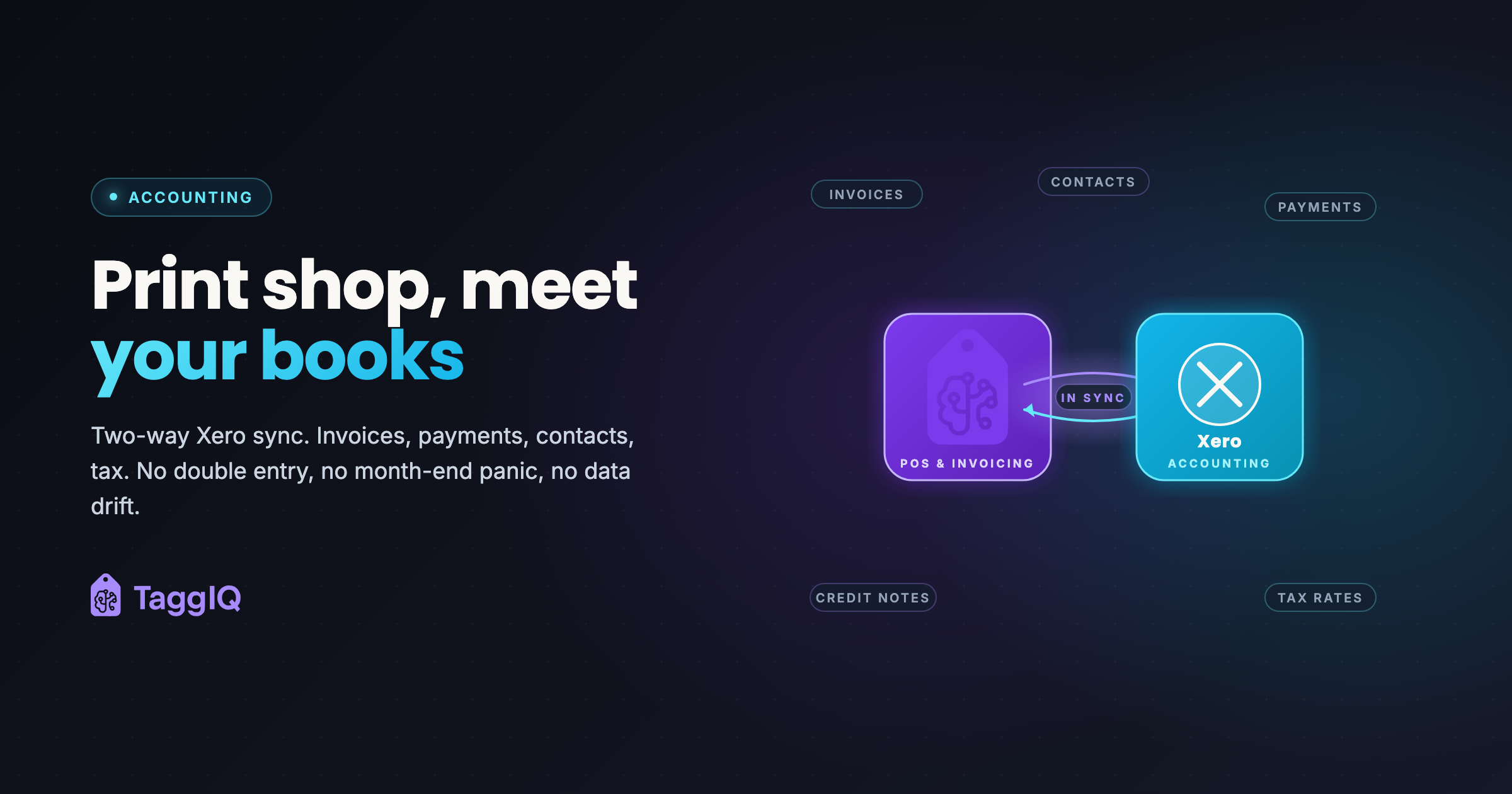
Xero for print shops works best when invoices and payments arrive in Xero from the system where the work happens, instead of being typed in a second time. Double entry costs hours each month, lets the two sets of numbers drift apart, and leaves the books weeks behind the business.
The month-end ritual
A pattern many shop owners describe. Someone sits with two systems open: the one where invoices are made, and the accounting software. Then they copy. Invoice number, customer, lines, total, tax. Next invoice. And the next.
By the time it is all in, the numbers describe last month, not this one.
What double entry costs
Time
Every invoice and payment is entered twice. The busier the month, the longer it takes, and it lands on the person who should be doing something more useful.
Numbers that drift
A transposed digit, a missed line, a payment applied to the wrong invoice. Small differences pile up, and finding them means checking entries one by one.
Books that run behind
Manual entry gets pushed to the end of the week, then the end of the month. Your reports show where you were, not where you are.
What a connected setup looks like
- Connect once. Authorise the link between your shop system and Xero or QuickBooks.
- Choose your accounts. Decide which revenue and payment accounts the shop’s invoices and payments go to.
- Work as normal. Quote, order, invoice and take payment in the shop system.
- Let the accounting side receive it. Invoices and payments reach the books without being typed again.
- Reconcile. When you reconcile the bank, the invoice and payment data is already there.
Your bookkeeper still matters. They spend their time on the work that needs judgement, such as margins, unusual costs and cash flow, instead of typing.
TaggIQ integrates with Xero, QuickBooks and Stripe, and runs quote, order, invoice and payment in one workflow without re-keying. The accounting integration page has the detail, and the Xero sync guide for print shops covers the setup.
Where an agent fits
You can start with one custom AI agent around the tools you already use. The TaggIQ platform is optional.
Repeat Order Agent (proposed build)
Your accounting software already holds something valuable: who ordered what, and when. For your shop, we could build a Repeat Order Agent that reads order history from Xero or QuickBooks and your email, lists customers who look due to reorder, and drafts a reorder note for your team to approve. It never places an order. Your team decides who to contact.
If repeat orders are the job you would hand over first, the assessment below is where we look at it with you.
Prakash
Founder of TaggIQ. He built POS, commerce and AI platforms at Toast and VMware/Broadcom, and is building AI agents and an AI-native platform for print, promo, sign and embroidery shops from close trade conversations and workflow research.