In this article 10 sections
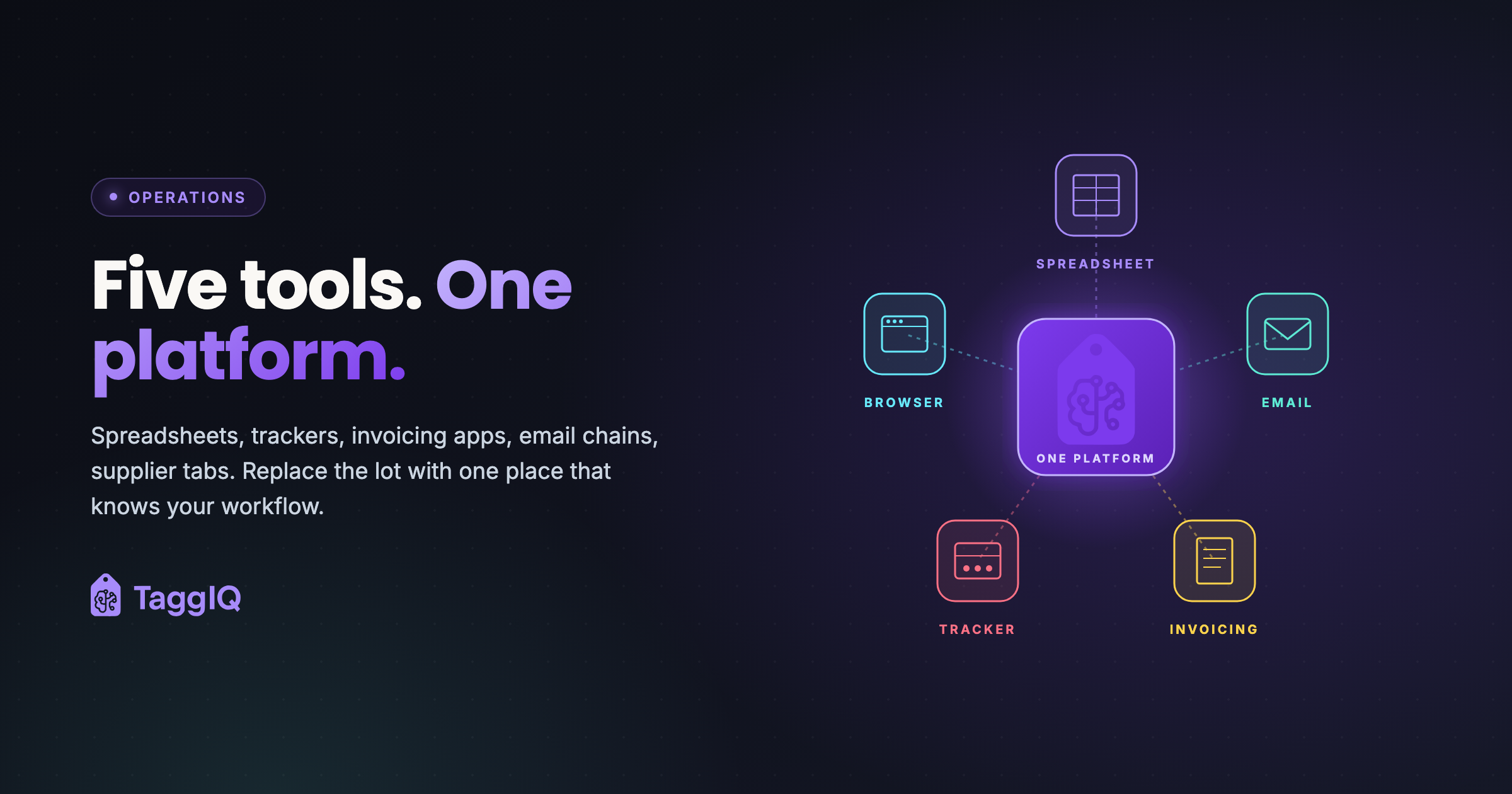
Most promo shop tools come down to five: a quoting spreadsheet, an order tracker, accounting software, email for artwork and approvals, and a browser full of supplier websites. Each does its own job well enough. The trouble is the gaps between them, where someone re-types a price, forgets a follow-up or chases a proof by hand. You do not have to replace all five to fix that. You can start with one AI agent on the gap that costs you most.
1. The quoting spreadsheet
A spreadsheet where each quote is priced: supplier cost, decoration, markup, then formatted for the customer.
The gap: the spreadsheet does not know when supplier prices change, does not track whether the customer replied, and an accepted quote has to be typed again to become an order.
2. The order tracker
A whiteboard, a task board or another spreadsheet showing where each job is: artwork received, ordered from the supplier, in production, shipped.
The gap: it is not connected to the quote or the invoice. Moving a card does not tell anyone the deposit is still unpaid.
3. The accounting software
Xero, QuickBooks or similar, where invoices, payments and the books live.
The gap: it is built for accounting, not for selling. Every line from the order is typed in again, and a deposit taken earlier has to be remembered on the final invoice.
4. Email for artwork and approvals
Proofs go out as attachments, feedback comes back in threads, and a second person replies to the wrong one.
The gap: nobody can say with certainty which version was approved, or by whom. The artwork approvals guide covers this one in detail.
5. Supplier websites in browser tabs
A tab for each supplier, searching the same product on each, comparing prices and stock.
The gap: every site searches and shows prices differently, so comparing a few products for one quote takes a long time, and the numbers still have to be copied into the spreadsheet.
A worked example: one order through the five tools
An illustrative job, not a real customer: 120 printed t-shirts for a local club.
- Supplier websites and the spreadsheet. You price the shirt on two supplier sites, add the print and the setup, apply your markup and send the quote as a PDF.
- Email. The customer replies two days later asking for a second colour. You change the spreadsheet and send it again. The artwork arrives as an attachment in a different thread.
- Order tracker. The quote is accepted. You add a card for the job and type in the quantities and the due date.
- Supplier website again. You place the blank order, typing the sizes in once more, and note the supplier’s order number somewhere.
- Accounting software. When the job ships, you type the invoice line by line and have to remember the deposit taken at the start.
The quantities were typed again at almost every step, and the follow-up, the artwork and the deposit each depended on someone remembering.
Where the cost really sits
It is rarely one tool. It is the moments between them: a price copied wrong, a decoration detail that never reaches the purchase order, a payment recorded in the tracker but not in the books, a quote nobody followed up. Each one is small. Together they decide whether the week feels in control.
Two ways to close the gaps
Start with one agent
You can start with one custom AI agent around the tools you already use. The TaggIQ platform is optional. Pick the gap that costs you most and hand that one job to an agent.
Quote Agent (proposed build)
If quotes go quiet in the spreadsheet, we could build a Quote Agent that reads your open quotes and the email thread, drafts a follow-up for you to approve, and stops when the customer replies.
Production Agent (proposed build)
If jobs stall waiting for artwork or sizes, we could build a Production Agent that checks each job for what is missing and drafts the reminder, stopping as soon as the customer answers.
Both draft alongside you, and a person decides what is sent. The AI agents page describes each one.
Or move the whole workflow
If the gaps are everywhere, the TaggIQ platform runs quote, order, invoice and payment in one workflow without re-keying. It has artwork proofing, purchase orders, tier pricing and your own production stages. Supplier catalogs come through the SourceIQ supplier data layer, and it integrates with Xero, QuickBooks and Stripe.
Which gap would you close first? The assessment below is where we work that out with you.
Prakash
Founder of TaggIQ. He built POS, commerce and AI platforms at Toast and VMware/Broadcom, and is building AI agents and an AI-native platform for print, promo, sign and embroidery shops from close trade conversations and workflow research.