In this article 10 sections
- Five things a retail till cannot do for a promo shop
- 1. Products that change with every order
- 2. Decoration as its own cost
- 3. Many suppliers for one product
- 4. Quote, then order, then invoice, then payment
- 5. Something to show the customer
- A worked example: one line on a promo quote
- What fits instead
- Where an agent fits
- Quote Agent (proposed build)
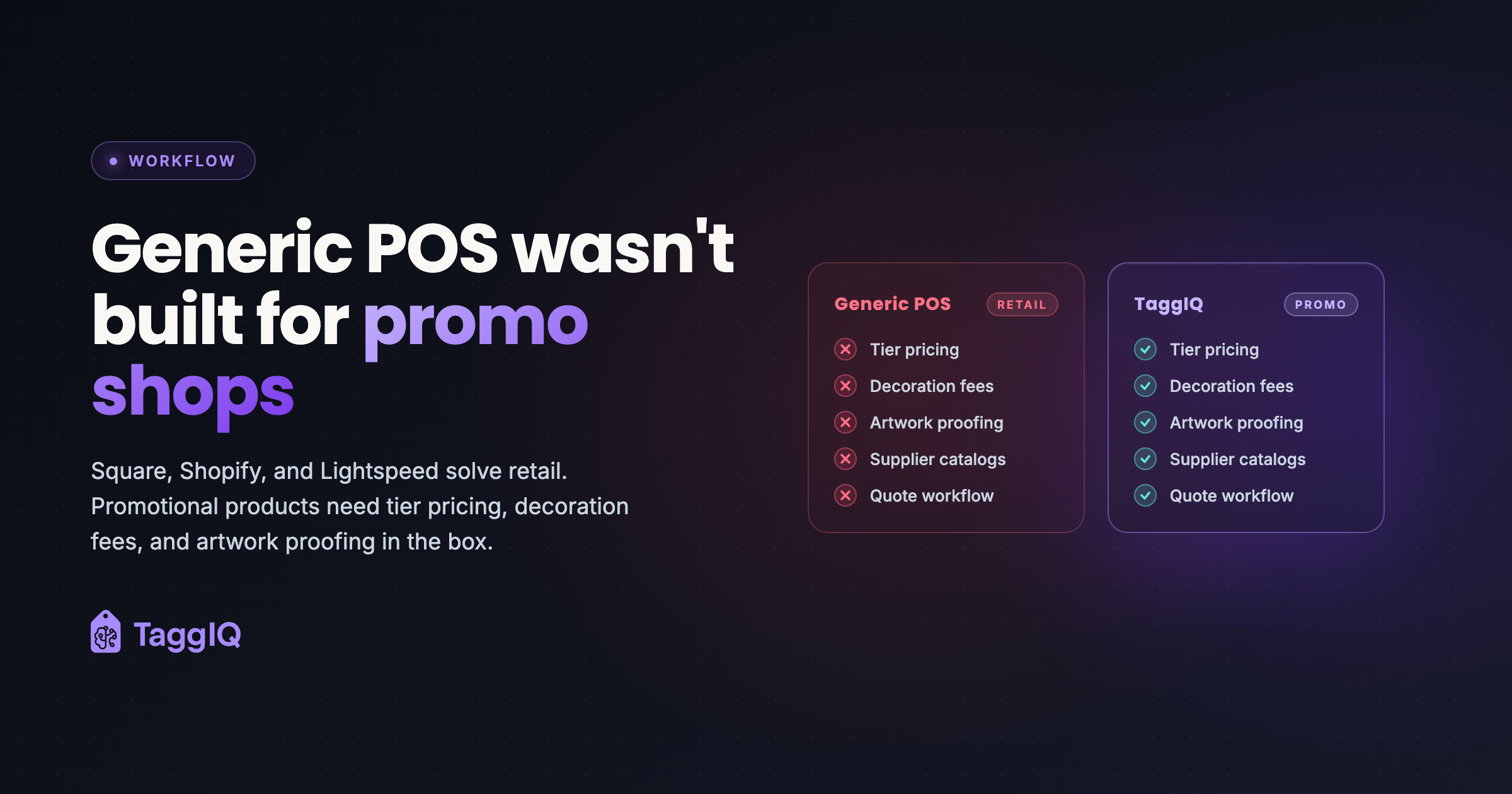
A POS for promotional products has to start with a quote, not a barcode: it must price a custom job by quantity break, decoration method and location, source from several suppliers, and carry that quote through to the order, the invoice and the payment. Retail point-of-sale systems are built to scan an item, charge a fixed price and close the sale, so a promo shop ends up working around them.
Five things a retail till cannot do for a promo shop
1. Products that change with every order
A t-shirt is not one product. It comes in many colours and sizes, and the price changes with quantity. A promo quote needs one line that holds a size and colour breakdown and prices it at the right quantity break. Retail systems tend to treat every variant as a separate item at a fixed price.
2. Decoration as its own cost
A left-chest print is one charge. A back print is another. Embroidery is priced by stitch count. Setup is charged once per job, while the run charge scales with quantity. A till has no natural place for any of this.
3. Many suppliers for one product
The same blank can come from several suppliers at different prices and stock levels. A promo shop needs to compare and choose per order. A retail system assumes you sell from your own stock.
4. Quote, then order, then invoice, then payment
In a shop, a customer picks something and pays. In promo, every sale starts as a quote that may be revised several times, then becomes an order, purchase orders, an invoice and a payment. Each step should carry the lines, decoration and prices forward without re-typing.
5. Something to show the customer
A promo quote often needs images, decoration details and size breakdowns laid out clearly. Without that, shops rebuild it by hand in a slide deck or a document.
A worked example: one line on a promo quote
Take one illustrative order, not a real customer: 60 polo shirts in two colours, embroidered on the left chest, needed in three weeks. On a promo quote that is one line, and the line has to hold all of this:
| Part of the line | What it records |
|---|---|
| Product | One polo style, from whichever supplier has the right price and stock for this order |
| Colours and sizes | Navy: 10 S, 15 M, 10 L, 5 XL. White: 5 S, 10 M, 5 L |
| Quantity break | 60 pieces, priced at the 50+ break rather than one price per piece |
| Decoration | Embroidery on the left chest, priced by stitch count, plus a one-time digitising setup |
| Approval | A proof the customer approves before anything is ordered |
| What happens next | The same line becomes the order, the purchase order, the invoice and the payment |
A retail till would need a separate item for each colour and size, a fixed price on each, and somewhere else to keep the decoration, the setup charge and the proof. That is the gap promo shops work around.
What fits instead
The right tool depends on your shop. Some keep a careful spreadsheet. Some choose software built for promo distribution or for print production. The buyer guide to quoting software for promotional products has a checklist for choosing, and is honest about when each option is the better fit.
TaggIQ is building specifically for print, promo, sign and embroidery shops. Its platform runs quote, order, invoice and payment in one workflow without re-keying, with tier pricing, purchase orders, artwork proofing and size collection, and supplier catalogs through the SourceIQ supplier data layer.
Where an agent fits
You can start with one custom AI agent around the tools you already use. The TaggIQ platform is optional.
Quote Agent (proposed build)
If your till or spreadsheet stays, the slow part is often what happens after a quote is sent. For your shop, we could build a Quote Agent that reads your open quotes and the email thread, drafts a follow-up for you to approve and stops when the customer replies. It drafts alongside you, and a person decides.
If you are not sure what to change first, the assessment below is where we look at it with you.
Prakash
Founder of TaggIQ. He built POS, commerce and AI platforms at Toast and VMware/Broadcom, and is building AI agents and an AI-native platform for print, promo, sign and embroidery shops from close trade conversations and workflow research.