In this article 14 sections
- Why staying on spreadsheets is still costly
- The fears, and which ones are real
- "Will I lose my data?"
- "Will my team use it?"
- "What if it is too complicated?"
- A realistic timeline
- Week 1: customers and the first real quote
- Week 2: the first orders
- Weeks 2 to 3: accounting
- Month 1: the whole path
- The learning curve, honestly
- If you do move the whole workflow
- Or start with one agent
- Quote Agent (proposed build)
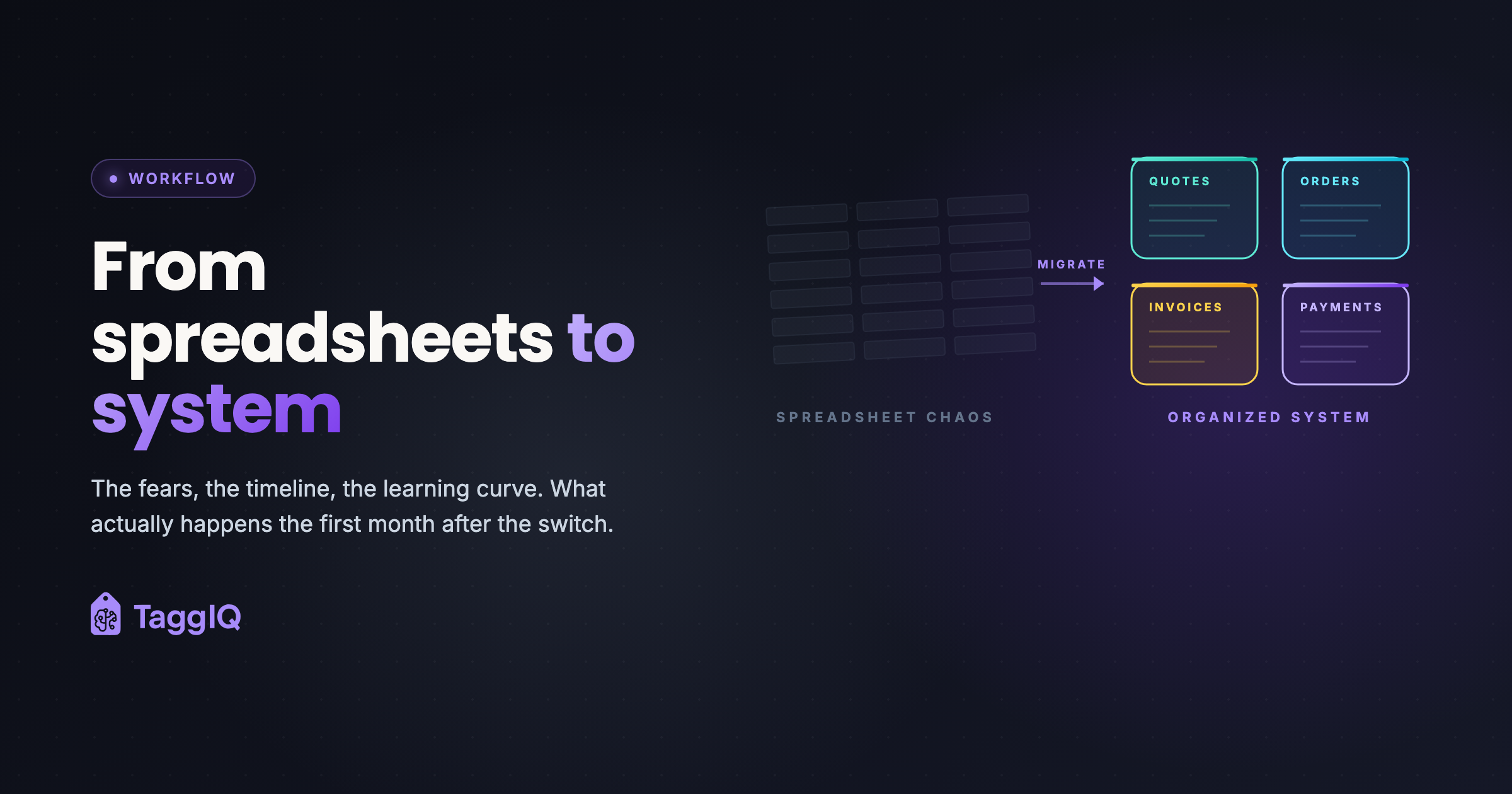
Moving off spreadsheets is worth doing when the gaps between your sheets, inbox and accounting cost you more each week than a few weeks of learning a new system would. It is not painless, and you do not have to do it all at once: you can start with one AI agent working around your spreadsheets, and move the whole workflow later, or never.
Why staying on spreadsheets is still costly
Spreadsheets fail quietly. The cost is spread across many small moments rather than one big one: a quote priced from an old cost, a customer email that slipped, an evening spent matching invoices to payments. Each is minor. Together they are the week.
The fears, and which ones are real
“Will I lose my data?”
Partly fair. Customer lists can be imported from a spreadsheet file, and your old sheets stay where they are. What does not move easily is years of old quotes and invoices; the new system starts from today. In practice, you rarely need a two-year-old quote.
“Will my team use it?”
Fully fair. Adoption is the hardest part of any change. Expect the first couple of weeks to be slower, not faster, and expect someone to try to slip back to their sheet. That is normal.
“What if it is too complicated?”
Mostly unfounded. A good system replaces the many manual steps your sheets need with fewer ones. The learning is real, but short.
A realistic timeline
Week 1: customers and the first real quote
Import your customer list. Then quote the next real enquiry in the new system rather than a test one. It will take longer than your spreadsheet the first time. That is fine.
Week 2: the first orders
Accepted quotes become orders. This is usually the moment it clicks: the lines, prices and decoration details are already there.
Weeks 2 to 3: accounting
Connect your accounting software, so invoices and payments stop being typed twice.
Month 1: the whole path
Quotes, orders, invoices and payments in one place, with the books connected.
The learning curve, honestly
- First days: slow and frustrating. Buttons are not where you expect them.
- End of week one: it starts to make sense, though you still reach for the sheet.
- Week two: about as fast as before, with less re-typing.
- After that: it is just how you work.
The most common mistake is trying to configure every setting before doing any real work. Start with one real quote and learn as you go. The spreadsheets comparison sets out where a spreadsheet is still the better choice.
If you do move the whole workflow
TaggIQ runs quote, order, invoice and payment in one workflow without re-keying, and integrates with Xero, QuickBooks and Stripe. There is a 30-day free trial with full access and no credit card, and we offer free, founder-assisted data migration.
Or start with one agent
You can start with one custom AI agent around the tools you already use. The TaggIQ platform is optional.
Quote Agent (proposed build)
For your shop, we could build a Quote Agent that works from your quote spreadsheet and your email: it notices quotes with no reply, drafts a follow-up for you to approve and stops when the customer answers. Nothing moves out of your spreadsheet, and a person decides what is sent.
Not sure whether to switch or start small? The assessment below is where we work that out with you.
Prakash
Founder of TaggIQ. He built POS, commerce and AI platforms at Toast and VMware/Broadcom, and is building AI agents and an AI-native platform for print, promo, sign and embroidery shops from close trade conversations and workflow research.