In this article 11 sections
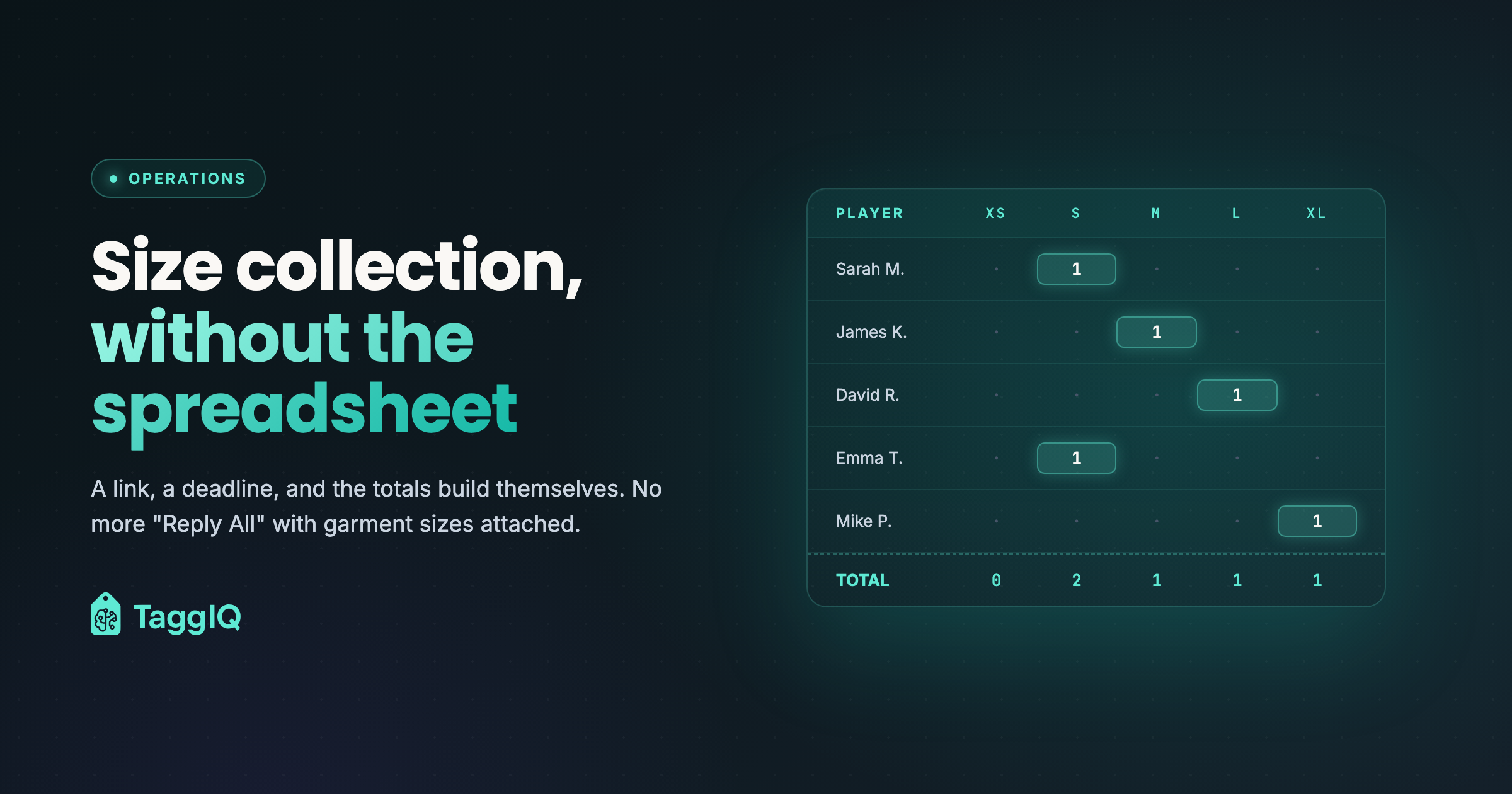
Size collection for a team apparel order works when each person enters their own size, from a list that only offers the sizes the garment comes in, by a deadline someone follows up, with the totals counted for you. A spreadsheet passed around by email does none of that, which is why size collection is where so many team orders stall.
A typical team order
An illustrative example. A business wants branded polos for 57 staff across several sites. One contact person promises to collect the sizes. A few weeks later the spreadsheet comes back with some names missing, a few duplicates, sizes like “Medium (maybe Large?)” and an event date that is now close.
If you do team orders, you know this story.
Why the spreadsheet fails
No checks
Someone types “Lrg”. Someone puts a size in the name column. Someone picks a size the garment does not come in. A spreadsheet accepts all of it, and you find out when you order.
No one knows who is missing
The sheet goes to a manager, then to team leads, then back. Who has filled it in? Nobody can say without checking name by name.
No deadline
“Please return by Friday” at the top of a sheet changes nothing. There is no reminder and no view of who is late.
Counting by hand
When the sizes finally arrive, someone counts them, then counts again because the total does not match, then finds the people counted twice.
Online forms help, but not enough
A shared online form is a step up: each person enters their own row. But the totals still have to be typed into the order, nobody is reminded automatically, and the form does not know which sizes the garment actually comes in.
What a working size collection process needs
- A link per order. Each person enters their own name and picks from the sizes the garment is made in.
- A live count. You can see who has answered and who has not.
- Reminders. People who have not answered are reminded before the deadline.
- Totals counted for you. The size breakdown is added up as answers come in.
- A link to the order. The final breakdown goes into the order without being re-typed.
How the final sizes change your price
This is where margin goes quietly. Suppose you quoted 57 polos at a quantity break that priced them at 12.50 each, but only 48 people answer. At 48 the supplier’s break may be higher, say 14.00. These figures are illustrative, but the effect is real: the unit cost rises after the quote was accepted.
Extended sizes often carry an extra charge too. If the size breakdown does not reach the quote before it is confirmed, that charge is yours.
The fix is to price from the final breakdown, and to adjust the quote before you order. The promotional products pricing guide explains quantity breaks and the other cost layers.
If you use the TaggIQ platform, size collection is part of it, alongside tier pricing and your own production stages. There is also a free apparel size collection form you can use today.
Where an agent fits
You can start with one custom AI agent around the tools you already use. The TaggIQ platform is optional.
Production Agent (proposed build)
For your shop, we could build a Production Agent that checks each team order for missing sizes, sends the size link and reminders on the schedule you approve at setup, and stops when the breakdown is complete. Anything it is unsure about goes to your team, and your team confirms the order.
If chasing sizes is the job you would hand over first, the assessment below is where we look at it with you.
Prakash
Founder of TaggIQ. He built POS, commerce and AI platforms at Toast and VMware/Broadcom, and is building AI agents and an AI-native platform for print, promo, sign and embroidery shops from close trade conversations and workflow research.